Getting Started
How Meshtastic Works
Meshtastic creates a mesh network where devices communicate using LoRa radio. Connect your phone or computer to a radio via Bluetooth, WiFi, or USB — and communicate with others across vast distances without any internet or cell service.
MESHTASTIC
Primary Channel
Send a message to the mesh
$ meshtastic --listen
Listening for messages...
Supported Hardware
Before you begin, it's important to determine which kind of hardware you're using. Meshtastic works closely with our Partners and Backers who produce officially supported hardware. These devices are tested, documented, and recommended for the best Meshtastic experience.
There is also a wide range of community supported hardware available; however, these devices are not officially supported by Meshtastic. Please reach out to the community via Discord for assistance.
Below you'll find examples of supported hardware organized by MCU type. Once you've identified your device, we'll walk you through verifying your data cable, flashing the firmware, and connecting and configuring your device.
ESP32
The ESP32 chip is equipped with both WiFi and Bluetooth, making it ideal for devices that need web interface access or WiFi-based configuration. ESP32-S3 variants offer improved performance.
Partner Hardware
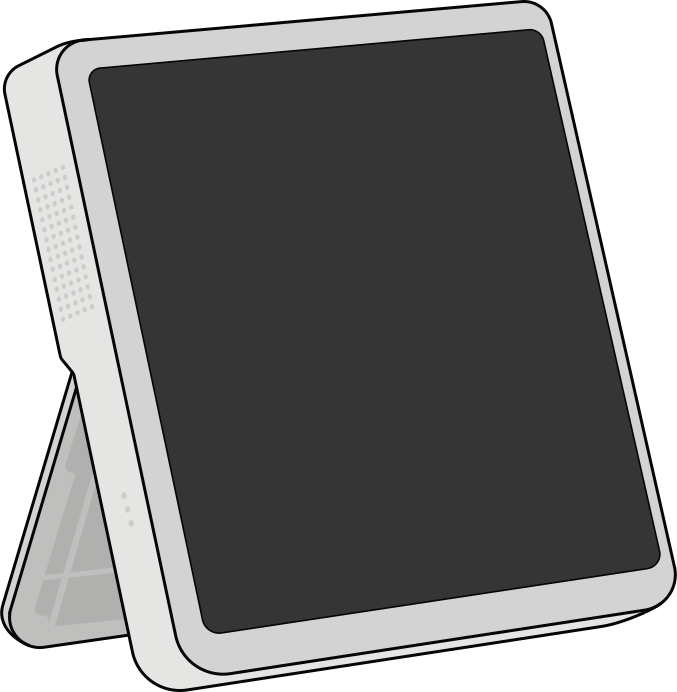
Seeed Studio
SenseCAP Indicator — 4" touchscreen driven by ESP32-S3 and RP2040 Dual-MCU
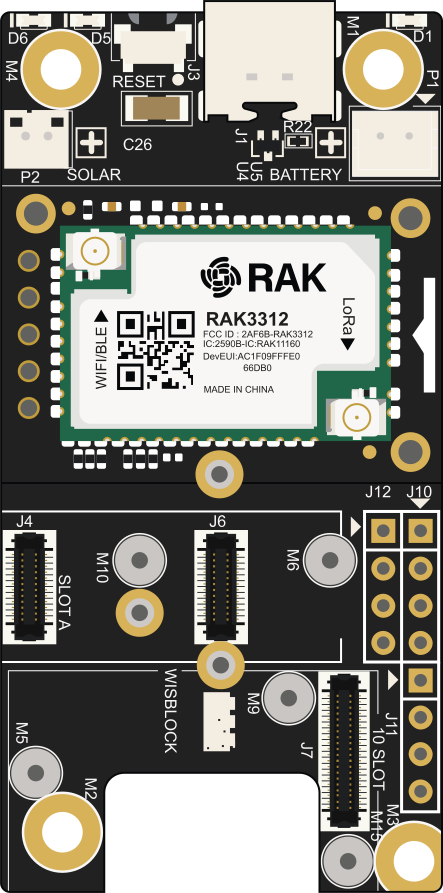
RAK Wireless
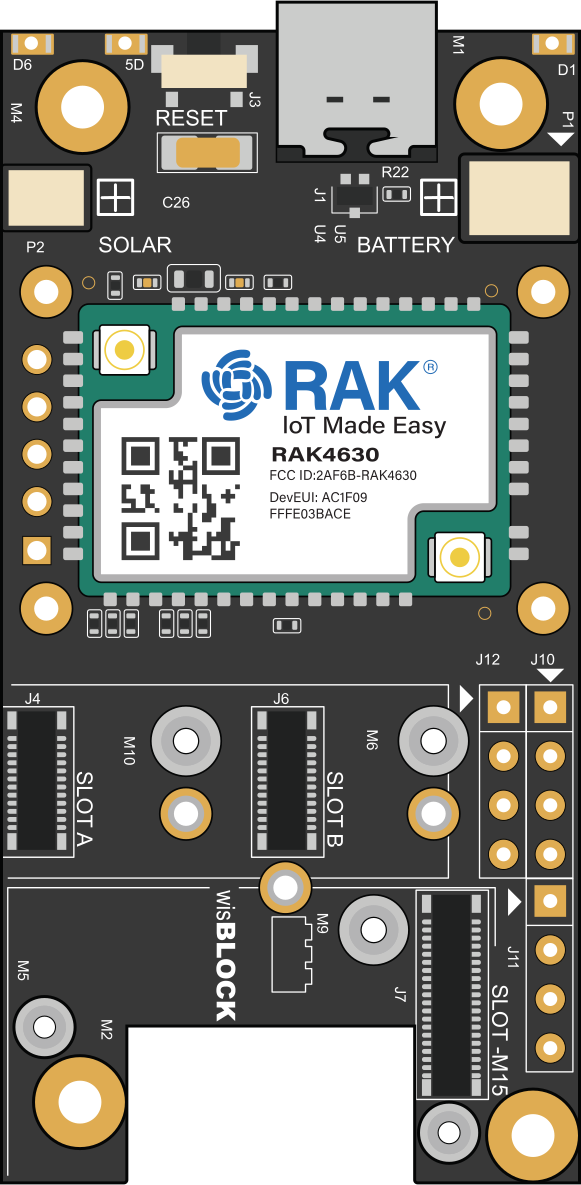
RAK3312 Core module — ESP32-S3-based WisBlock modular core
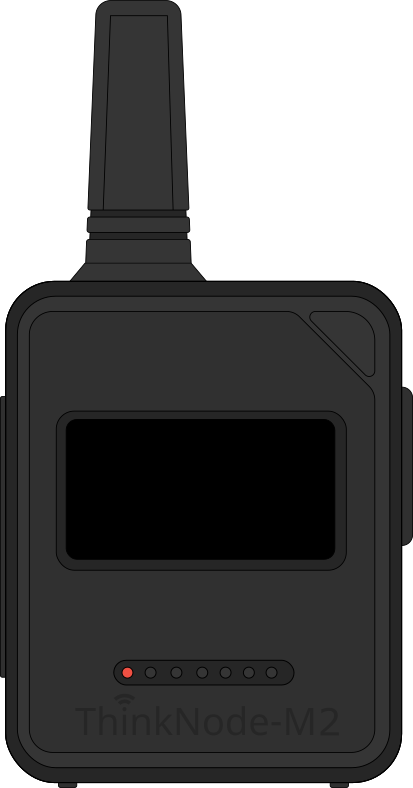
Elecrow
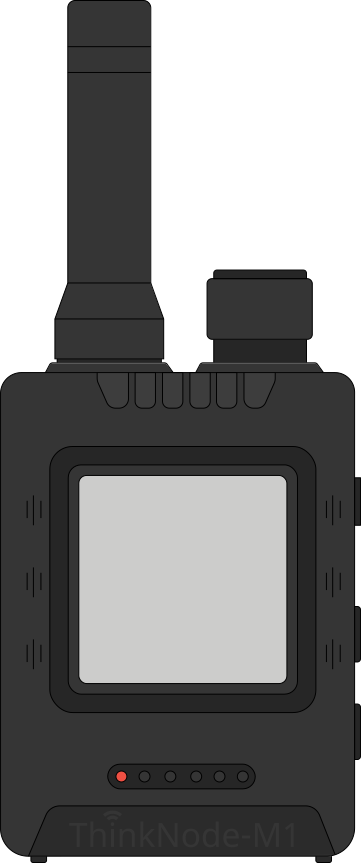
ThinkNode M2 — Portable ESP32-S3 device built for outdoor use
Backer Hardware
LILYGO®
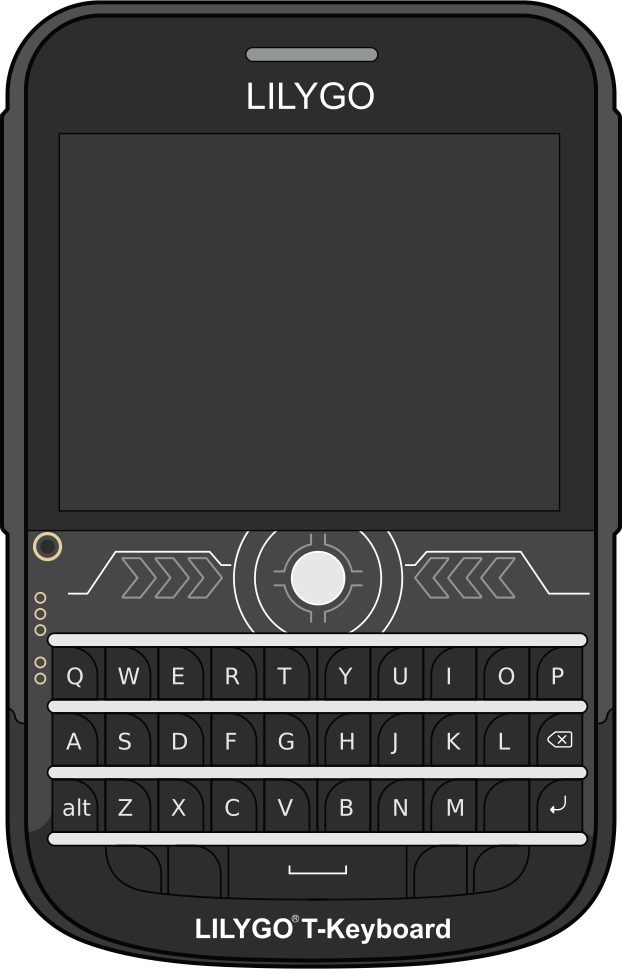
T-Deck / T-Deck Plus / T-Deck Pro — Standalone devices with screen and keyboard
B&Q Consulting
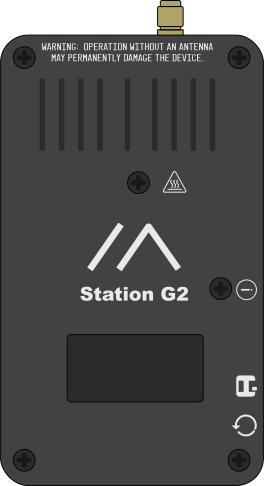
Station G2 — High power LoRa transceiver for licensed ham operation
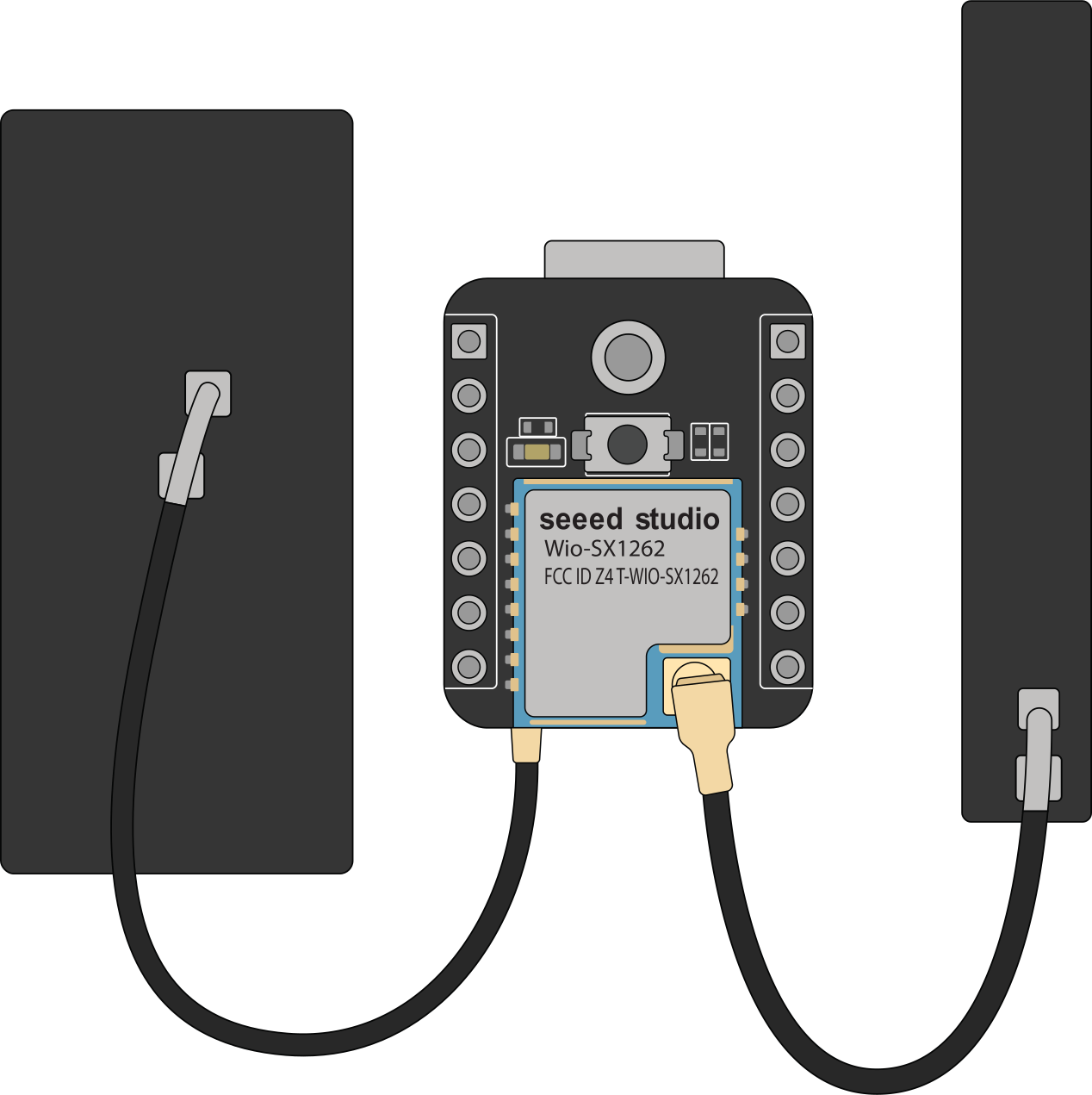
Community Supported
Xiao ESP32-S3 Kit — Compact LoRa dev kit
nRF52
The nRF52 chip is much more power efficient than the ESP32 chip and easier to update via UF2 bootloader, but is only equipped with Bluetooth (no WiFi). Ideal for battery-powered and solar deployments.
Partner Hardware
Seeed Studio
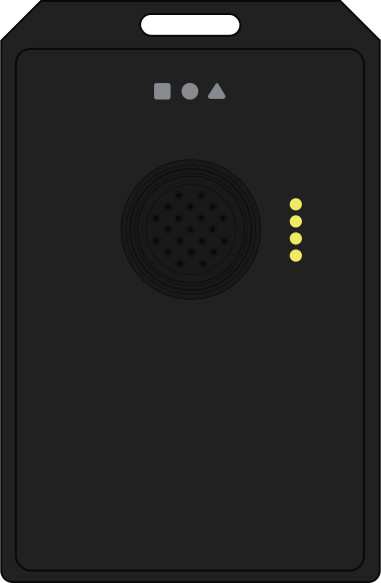
Card Tracker T1000-E — IP65-rated card-sized tracker with GPS
RAK Wireless
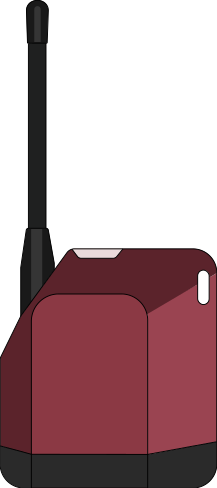
WisMesh Tag — Portable location tracker with IP66 rating
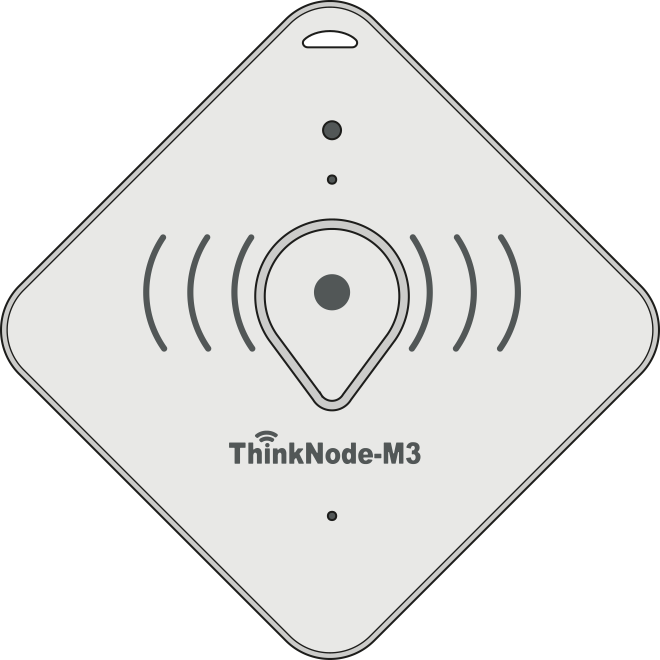
Elecrow
ThinkNode M3 — nRF52840 with LR1110 radio and GPS
Backer Hardware
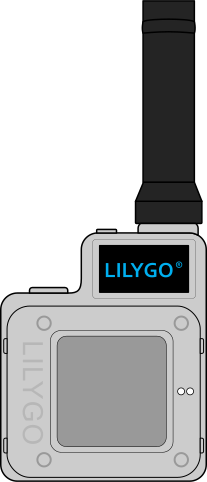
LILYGO®
T-Echo — All-in-one unit with E-Ink screen, GPS, and battery in injection-molded case
muzi ᴡᴏʀᴋꜱ
R1 Neo — Custom-designed nRF52840 device with GPS
RP2040/RP2350
The RP2040 and RP2350 are dual-core chips developed by Raspberry Pi. Cost-effective options for DIY projects.
Partner Hardware
RAK Wireless
- RAK11310 Core module — RP2040-based WisBlock modular core with SX1262
Community Supported
- Raspberry Pi Pico + Waveshare LoRa Module (Note: Bluetooth on the Pico W is not yet supported by Meshtastic)
If your device is not listed above, please review our supported devices to determine which MCU your device has or contact us in Discord with any questions.
Verify Data Cable
Never power on the radio without attaching an antenna as doing so could damage the radio chip!
Prior to connecting your Meshtastic device to the computer, you should perform the following basic checks.
Some cables only provide charging, verify that your cable is also capable of transferring data before proceeding. To check if your cable can also transfer data, try connecting it to another device (like a phone) and see if you can copy a file to or from it. If the file transfer works, then your cable is also able to transfer data and you can continue.
Install Serial Drivers
nRF52/RP2040/RP2350 devices typically do not require serial drivers. They use the UF2 bootloader which makes the devices appear as flash drives. Do NOT download the USB device drivers unless required to install UF2 support.
If you require serial drivers installed on your computer, please choose one of the options below and install it before continuing.
Flash Firmware
After completing the previous steps, you can now flash the Meshtastic firmware onto your device. To proceed, select the appropriate device type for your device.
Connect and Configure Device
After flashing the Meshtastic firmware onto your device, you can now move on to initial configuration.