Help & In-App Docs
This same user documentation ships inside the app, so you can read it offline without leaving Meshtastic. Open it from Settings → Help & Documentation.
Browsing
The docs browser lists every user-guide page. Tap a page to read it; images and cross-links work just like they do here.
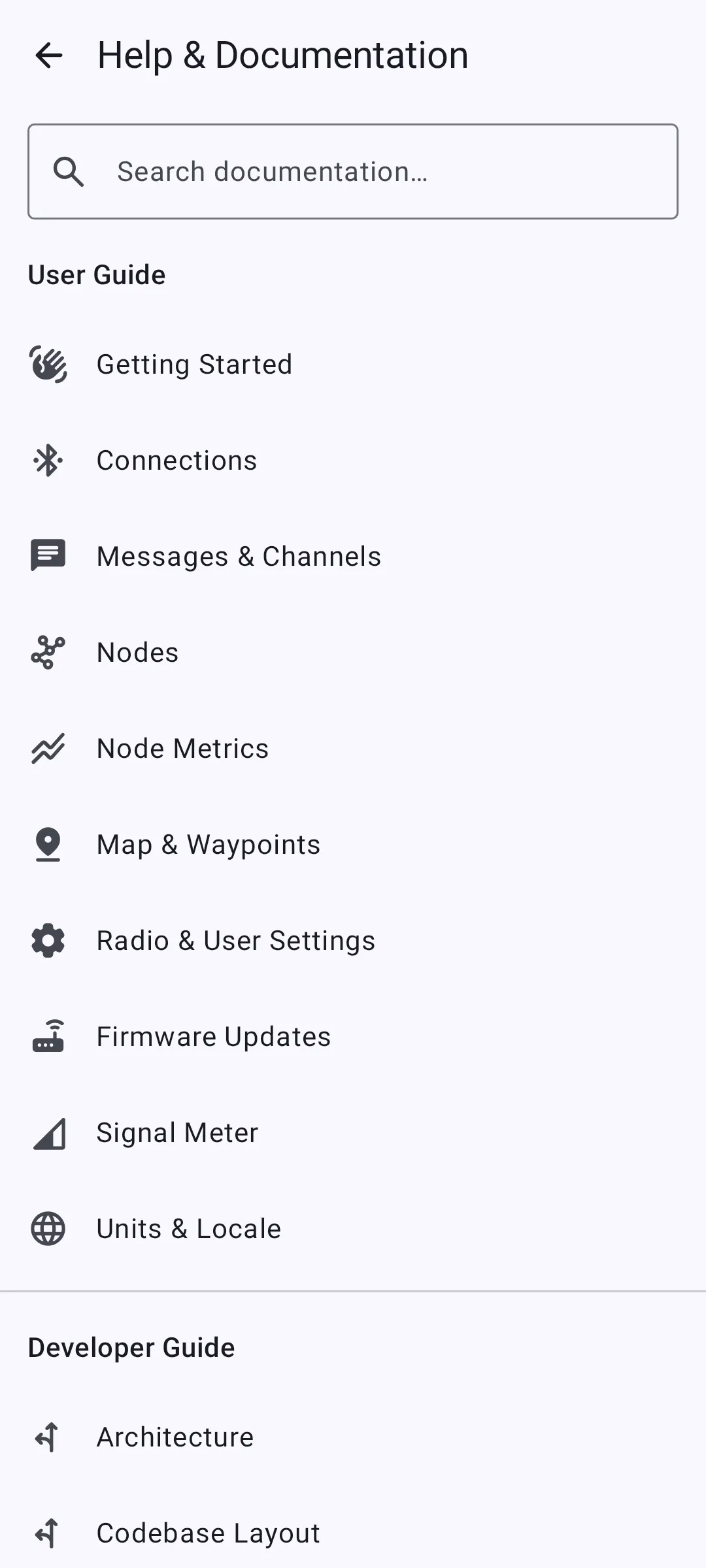
Search
Tap the search icon and type to filter pages by title and keywords — results update as you type.

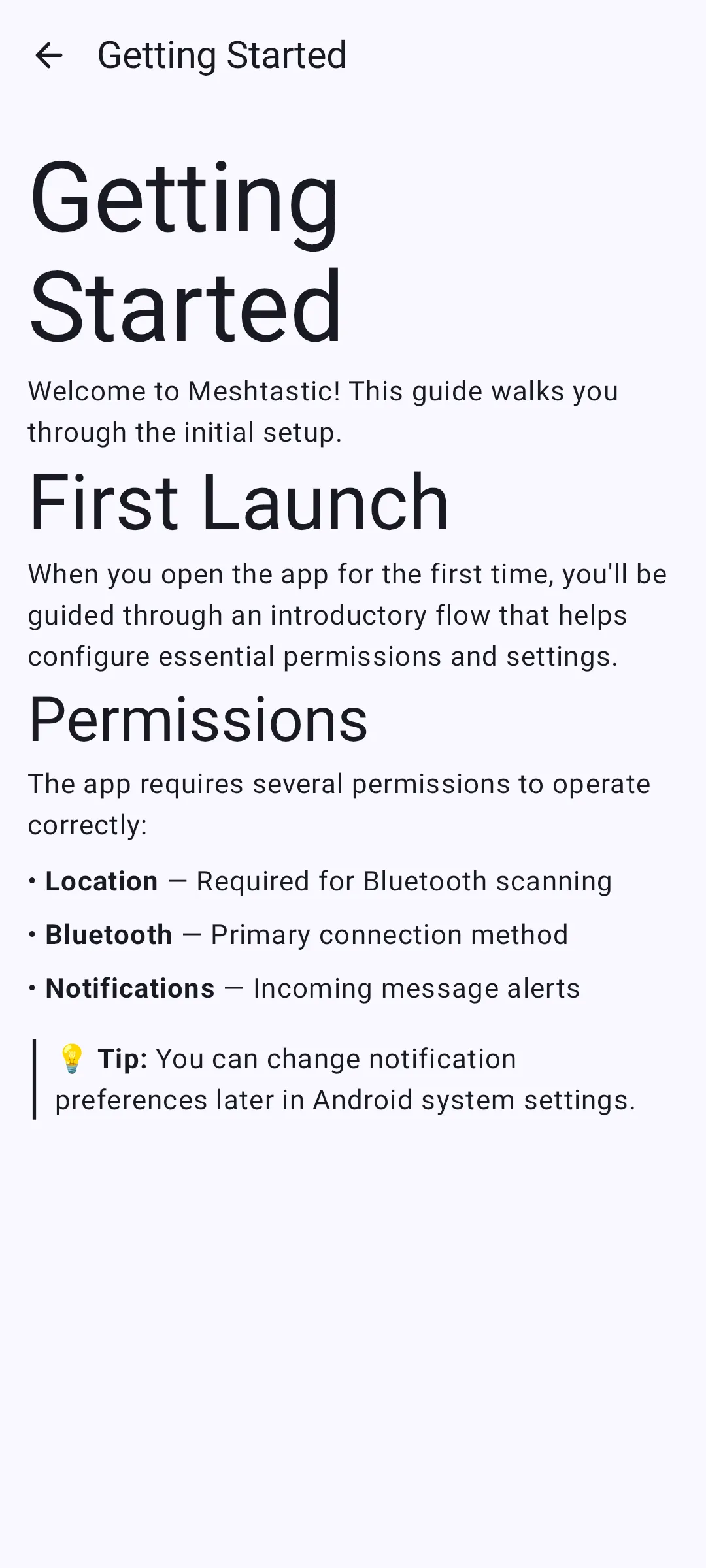
A page open in the browser:
Chirpy — the AI Assistant
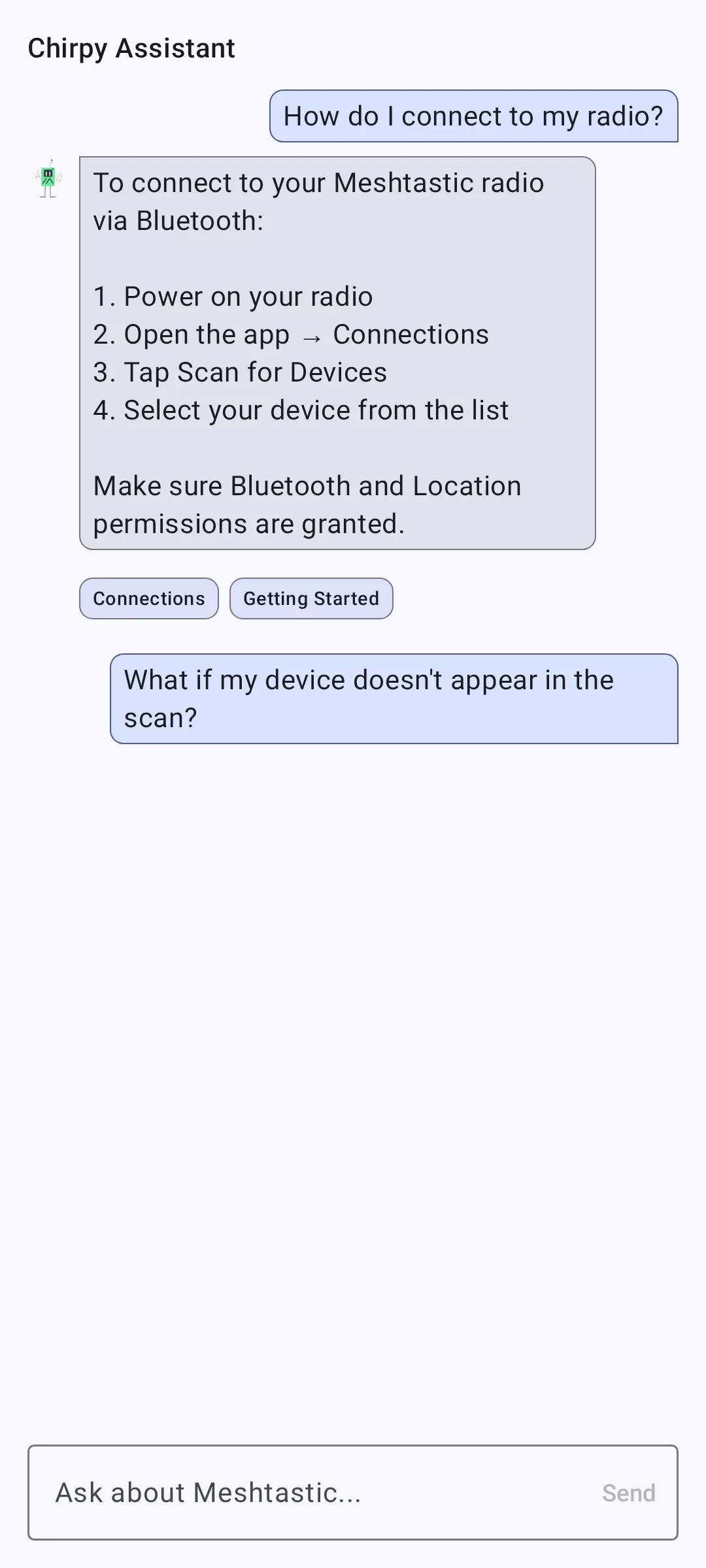
Chirpy answers plain-language questions about Meshtastic using this bundled documentation as its source. Tap the Chirpy button in the docs browser, type a question, and it replies with an answer and links to the relevant pages.
🔒 Privacy: On supported Google-flavor devices, Chirpy runs on-device using Gemini Nano — your questions never leave your phone. A small model downloads on first use.
⚠️ Note: On F-Droid, Desktop, and iOS builds, Chirpy falls back to a keyword search over the documentation rather than a generative model. If your device doesn't support on-device AI, the assistant is hidden and you can still browse and search the docs normally.
Related Topics
- Translate the App — how these pages get localized into other languages
- App Functions — the separate system-AI integration (distinct from Chirpy)