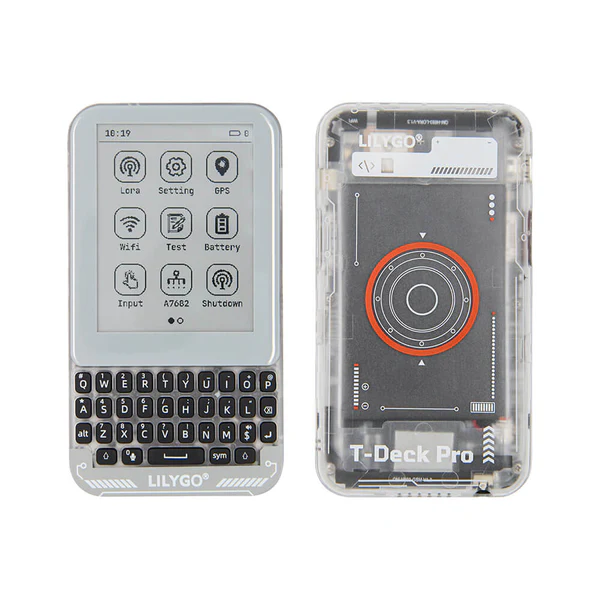
LILYGO® T-Deck
The T-Deck series is a family of compact handheld keyboard devices that pair a physical keyboard with different touchscreen displays. Variants include the original LCD T-Deck (and Plus) with support for MUIMUI (Meshtastic UI). An on-device interface for interacting with the mesh and changing most basic settings without a phone client., and the new T-Deck Pro e-ink model for low-power, sunlight-readable operation.
- T-Deck/T-Deck Plus
- T-Deck Pro
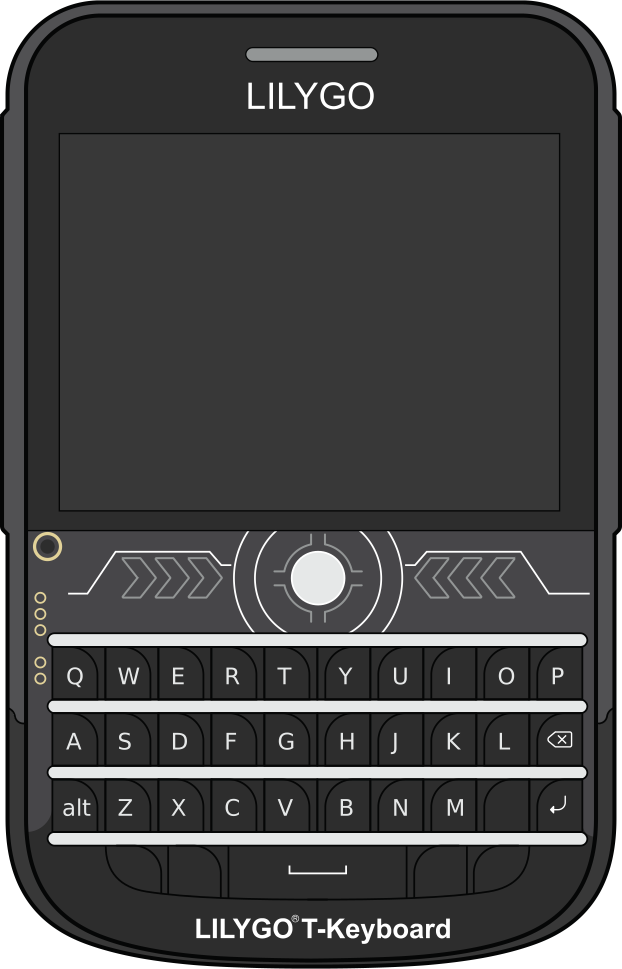
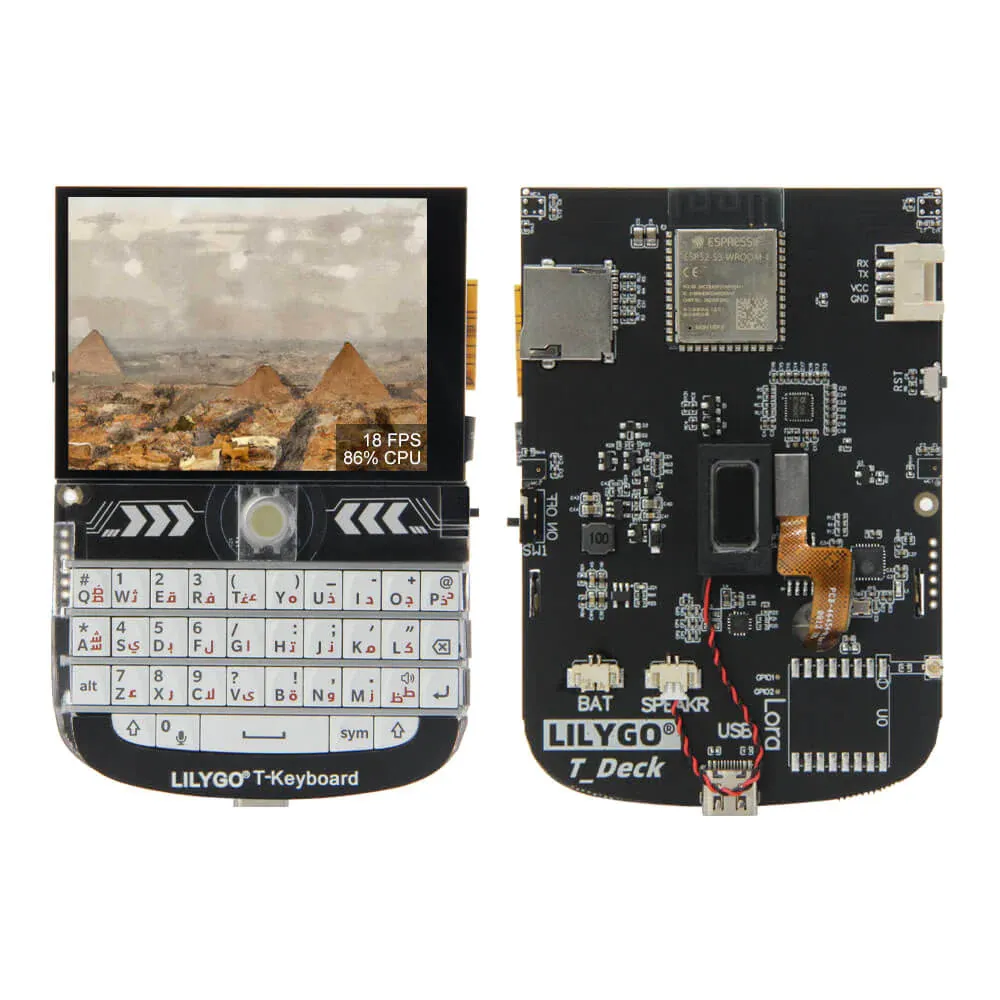
The T-Deck is a compact device featuring a 2.8-inch IPS LCD touch screen with a resolution of 320x240 pixels, integrated with a small keyboard, trackball, microphone and speaker running on an ESP32ESP32A chipset of microcontroller made/designed by Espressif, used by a number of devices. Higher power usage than nRF52, but often cheaper and supports Wi-Fi if desired.-S3 dual-core processor. A secondary ESP32ESP32A chipset of microcontroller made/designed by Espressif, used by a number of devices. Higher power usage than nRF52, but often cheaper and supports Wi-Fi if desired.-C3 MCUMCU (Microcontroller Unit). The microcontroller that runs the firmware on a device. The hardware tables list the MCU for each supported board. is used to manage the keyboard.
T-Deck Plus variant also comes with a GPSGPS (Global Positioning System). A satellite positioning system. A node with a GPS module determines its own location and can report that position to the mesh. module and a 2000 mAh battery
Specifications
- MCUMCU (Microcontroller Unit). The microcontroller that runs the firmware on a device. The hardware tables list the MCU for each supported board.
- ESP32ESP32A chipset of microcontroller made/designed by Espressif, used by a number of devices. Higher power usage than nRF52, but often cheaper and supports Wi-Fi if desired.-S3FN16R8 (WiFi & Bluetooth 5 LE)
- ESP32ESP32A chipset of microcontroller made/designed by Espressif, used by a number of devices. Higher power usage than nRF52, but often cheaper and supports Wi-Fi if desired.-C3 (For keyboard only)
- LoRaLoRaA low-power, long-range wireless communication technology used by Meshtastic devices to enable communication over distances of several kilometers without the need for cellular, Wi-Fi, or other traditional network infrastructures. Transceiver
- Semtech SX1262SX1262A Semtech sub-GHz LoRa transceiver, used in most current Meshtastic hardware and recommended over the older SX127x series.
- Frequency options
- 915 MHzMHz (Megahertz). A unit of frequency equal to one million hertz (cycles per second), used to specify the operating frequency of LoRa devices in the Meshtastic network, affecting range and data rate.
- 868 MHzMHz (Megahertz). A unit of frequency equal to one million hertz (cycles per second), used to specify the operating frequency of LoRa devices in the Meshtastic network, affecting range and data rate.
- 433 MHzMHz (Megahertz). A unit of frequency equal to one million hertz (cycles per second), used to specify the operating frequency of LoRa devices in the Meshtastic network, affecting range and data rate.
- Antenna
- U.FLIPEXA miniature coaxial antenna connector found on many boards. The docs write it as U.FL/IPEX, using the two names interchangeably./IPEXIPEXA miniature coaxial antenna connector found on many boards. The docs write it as U.FL/IPEX, using the two names interchangeably. antenna connector for LoRaLoRaA low-power, long-range wireless communication technology used by Meshtastic devices to enable communication over distances of several kilometers without the need for cellular, Wi-Fi, or other traditional network infrastructures.
- Connectors
- USBUSB (Universal Serial Bus). The wired connection used to power a device, flash firmware onto it, and communicate with it over serial.-C
Features
- LILYGO® backlit T-Keyboard
- Trackball
- 2.8 inch ST7789 SPISPI (Serial Peripheral Interface). A bus used between the microcontroller and peripherals such as the LoRa radio and the display. Interface IPS LCD (Resolution: 320 x 240)
- I2S Speaker/Microphone
Keyboard Shortcuts
| Shortcut | Function |
|---|---|
alt & b | Toggle keyboard backlight on/off. |
alt & c | Toggle modifier function. Fn displayed on screen. |
alt & c + m | Disable/Enable notifications. |
alt & c + q | Quit/Cancel (message, canned message, etc.) |
alt & c + t | Tab Key (once for dm recipient, twice for channel) |
alt & c + i | Decrease screen brightness. |
alt & c + o | Increase screen brightness. |
alt & c + g | Toggle GPSGPS (Global Positioning System). A satellite positioning system. A node with a GPS module determines its own location and can report that position to the mesh.. |
alt & c + ⎵ | Send network ping. |
As of firmware version 2.3.9, there is a newly added modifier function key combo which allows additional shortcuts to be added. To enable the function key, you will press alt and c together; a small Fn will be displayed in the lower right of the screen. After the function key is enabled, you can press the key for the function you wish to execute. For example, to disable/enable notifications, you would press alt and c followed by m.
Flashing
To flash ESP32ESP32A chipset of microcontroller made/designed by Espressif, used by a number of devices. Higher power usage than nRF52, but often cheaper and supports Wi-Fi if desired.-S3 devices like the T-Deck, you typically need to place them in Espressif's firmware download mode. Use the "1200bps reset" button in the web flasher to do this. If this method does not work for any reason, you can follow the manual process below.
Do not proceed unless an antenna is connected to avoid possible damage to the device's radio.
The following process will manually place the device into the Espressif Firmware Download mode:
- Ensure the device's power switch is toggled OFF.
- Press and hold the TRACKBALL.
- Toggle device's power switch ON.
- After 2-3 seconds, release the TRACKBALL button.
- If the device screen is black and the backlight is off, the device is in the Firmware Download mode. If the backlight is on, repeat these steps.
With the device now in the Espressif Firmware Download mode, you can proceed with flashing using one of the supported flashing methods. It's generally recommended to use the Web Flasher. You can select "T Deck" from the device drop-down.
Resources
- Firmware file:
firmware-t-deck-X.X.X.xxxxxxx.bin - Purchase Links:
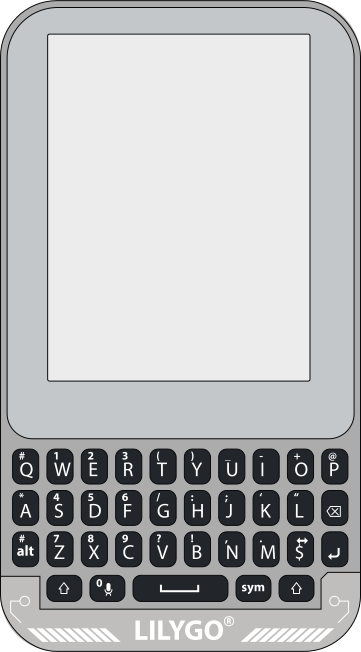
The T-Deck Pro is a compact handheld device that pairs a 3.1 inch e-ink touchscreen with a physical keyboard, microphone, speaker, integrated 1400 mAH battery in a sleek case. It is available in two main variants: A7682E (4G) and PCM5102A (Voice).
Specifications
- MCUMCU (Microcontroller Unit). The microcontroller that runs the firmware on a device. The hardware tables list the MCU for each supported board.
- ESP32ESP32A chipset of microcontroller made/designed by Espressif, used by a number of devices. Higher power usage than nRF52, but often cheaper and supports Wi-Fi if desired.-S3FN16R8 (WiFi & Bluetooth 5 LE)
- LoRaLoRaA low-power, long-range wireless communication technology used by Meshtastic devices to enable communication over distances of several kilometers without the need for cellular, Wi-Fi, or other traditional network infrastructures. Transceiver
- Semtech SX1262SX1262A Semtech sub-GHz LoRa transceiver, used in most current Meshtastic hardware and recommended over the older SX127x series.
- Frequency options
- 915 MHzMHz (Megahertz). A unit of frequency equal to one million hertz (cycles per second), used to specify the operating frequency of LoRa devices in the Meshtastic network, affecting range and data rate.
- 868 MHzMHz (Megahertz). A unit of frequency equal to one million hertz (cycles per second), used to specify the operating frequency of LoRa devices in the Meshtastic network, affecting range and data rate.
- 433 MHzMHz (Megahertz). A unit of frequency equal to one million hertz (cycles per second), used to specify the operating frequency of LoRa devices in the Meshtastic network, affecting range and data rate.
- 920 MHzMHz (Megahertz). A unit of frequency equal to one million hertz (cycles per second), used to specify the operating frequency of LoRa devices in the Meshtastic network, affecting range and data rate.
- Antenna
- Integrated PCB antenna for LoRaLoRaA low-power, long-range wireless communication technology used by Meshtastic devices to enable communication over distances of several kilometers without the need for cellular, Wi-Fi, or other traditional network infrastructures.
- Connectors
- USBUSB (Universal Serial Bus). The wired connection used to power a device, flash firmware onto it, and communicate with it over serial.-C
- 3.5mm Audio Jack
- Qwiic connector
Features
- Complete device with integrated 1400 mAh battery in sleek case.
- I2S Speaker/Microphone with optional 3.5mm Audio Jack
Resources
- Firmware file:
firmware-t-deck-pro-X.X.X.xxxxxxx.bin - Purchase Links:
- International