Joining your local mesh
Two nodes reach each other only when they share their LoRaLoRaA low-power, long-range wireless communication technology used by Meshtastic devices to enable communication over distances of several kilometers without the need for cellular, Wi-Fi, or other traditional network infrastructures. settings. The defaults are where most nodes start, and in many areas enough nodes stay there that the defaults act as a public mesh anyone can join. That is a convention rather than a guarantee, so a node on the defaults may find a busy mesh, or may hear nothing at all.
This page covers how to find the settings in use around you, and how to join once you know them.
What the defaults are
Three settings decide who a node can hear.
| Setting | Default | Effect |
|---|---|---|
| Region | Unset until you choose one | The frequency band the node is legally allowed to use |
| Modem presetModem PresetThe tradeoff between range and speed for LoRa transmissions. Each preset sets the bandwidth, spreading factor, and coding rate, and nodes need the same preset to hear each other. | Long Fast, or Long Turbo when the region is first set to US on the device screen | Range against speed, by setting bandwidth, spreading factor, and coding rate together |
| Primary channelPrimary ChannelThe channel used for a node's default traffic and its name in the mesh. It's channel 0, and its name helps set the node's frequency slot. | The default public channel | The key that decrypts traffic, and the frequency slotFrequency SlotThe numbered frequency within a region's band that a node transmits on. Nodes must use the same frequency slot to hear each other. When it's left at 0, most regions pick the slot from a hash of the primary channel's name. |
A modem presetModem PresetThe tradeoff between range and speed for LoRa transmissions. Each preset sets the bandwidth, spreading factor, and coding rate, and nodes need the same preset to hear each other. bundles bandwidth, spreading factor, and coding rate into one named choice, balancing how far a message carries against how long it occupies the air. Presets exist so a community can agree on a single setting instead of three, and the default suits most areas. Setting the three individually is still available by turning off Use Preset, covered in the LoRa configuration.
Those same three parameters decide what the radio can demodulate, so the preset also decides who a node can hear. You choose your preset, and everyone else chooses theirs, and you reach only the ones whose choice matches yours. Two nodes on different presets don't have a slower link between them, they have no link at all, at any distance.
Meshtastic defines the presets so these three values don't have to be dialed in by hand. The rule underneath is LoRaLoRaA low-power, long-range wireless communication technology used by Meshtastic devices to enable communication over distances of several kilometers without the need for cellular, Wi-Fi, or other traditional network infrastructures.'s: two radios only hear each other when all three match, which is why local communities tend to settle on one preset together.
The preset also decides where the node listens. Where the primary channelPrimary ChannelThe channel used for a node's default traffic and its name in the mesh. It's channel 0, and its name helps set the node's frequency slot. name is unchanged, the preset name picks the frequency slotFrequency SlotThe numbered frequency within a region's band that a node transmits on. Nodes must use the same frequency slot to hear each other. When it's left at 0, most regions pick the slot from a hash of the primary channel's name., so two presets put a node on two different frequencies. In the US region, Long Fast listens on slot 20 at 906.875 MHzMHz (Megahertz). A unit of frequency equal to one million hertz (cycles per second), used to specify the operating frequency of LoRa devices in the Meshtastic network, affecting range and data rate. while Long Turbo listens on slot 14 at 908.750 MHzMHz (Megahertz). A unit of frequency equal to one million hertz (cycles per second), used to specify the operating frequency of LoRa devices in the Meshtastic network, affecting range and data rate..
Why the defaults may not match your area
Three things commonly separate a new node from the mesh near it.
Many communities have outgrown Long Fast. Congestion on a shared, duty-cycled medium gets worse as a mesh grows, so dense metropolitan meshes have been moving to faster presets for years. The reasoning is covered in Is LongFast Holding Your Mesh Back?.
The default itself has moved. Setting the region to US on the device screen for the first time starts that node on Long Turbo, while setting the same region from a client or the CLICLI (Command Line Interface). A text-based interface used for interacting with software or devices like Meshtastic. leaves it on Long Fast. Two nodes set up on the same day through different paths can therefore sit nearly 2 MHzMHz (Megahertz). A unit of frequency equal to one million hertz (cycles per second), used to specify the operating frequency of LoRa devices in the Meshtastic network, affecting range and data rate. apart, and a new node can hear nothing while an established local mesh carries on without it.
Some meshes run their own settings entirely. Events frequently adopt a preset for the duration, and some communities use a custom channel name or key so their traffic is not on the public channel.
What silence means depends on what you already know. If nodes are known to be active near you, from a local group or from a previous setup that worked, hearing nothing points at settings rather than range. If nobody has confirmed a mesh in your area, silence on its own says very little, and the question becomes whether anyone is there at all. Either way the next step is the same.
Finding the settings in use near you
Scan for them
Local Mesh Discovery cycles the radio through a set of presets, listens on each for a dwell time you choose, and ranks them by what it hears. It is available in the Android and Apple clients.
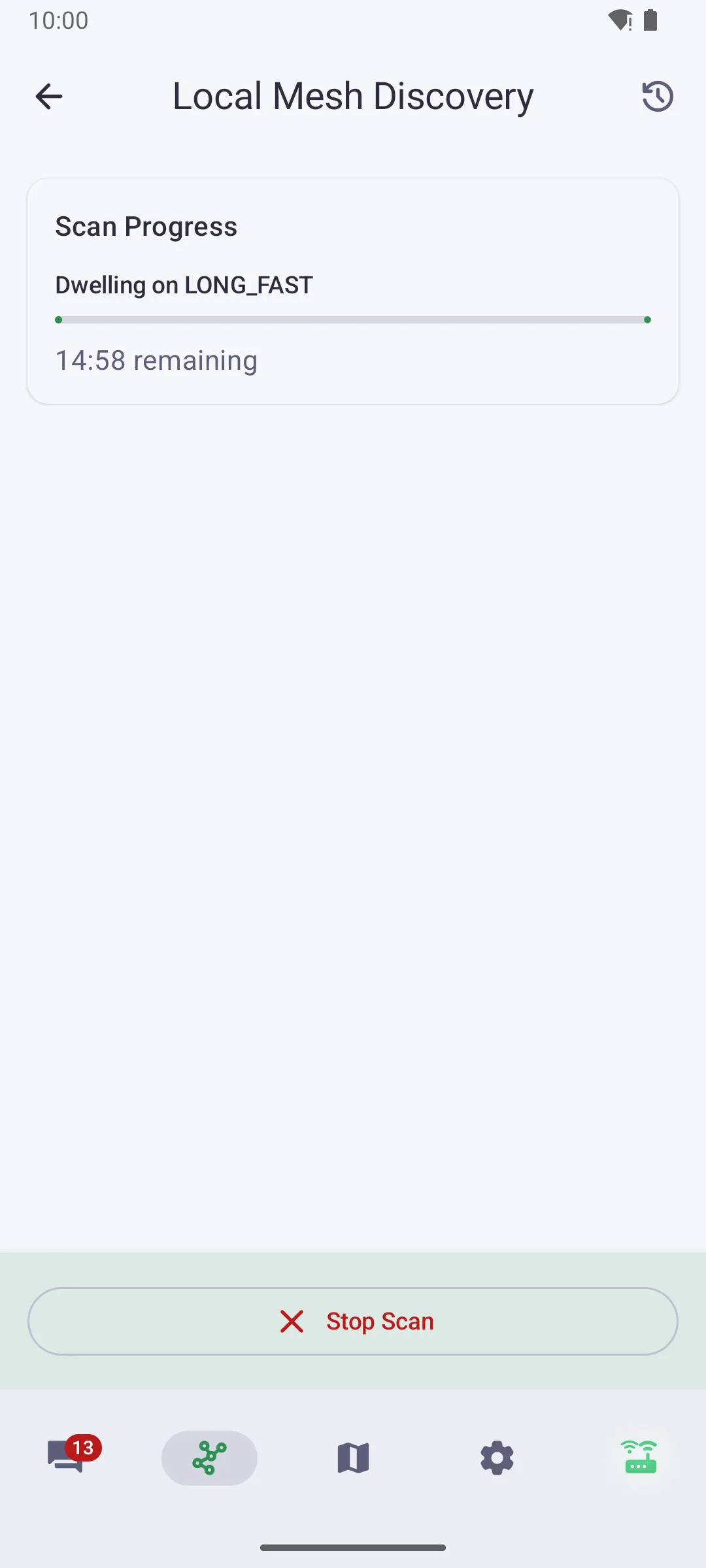
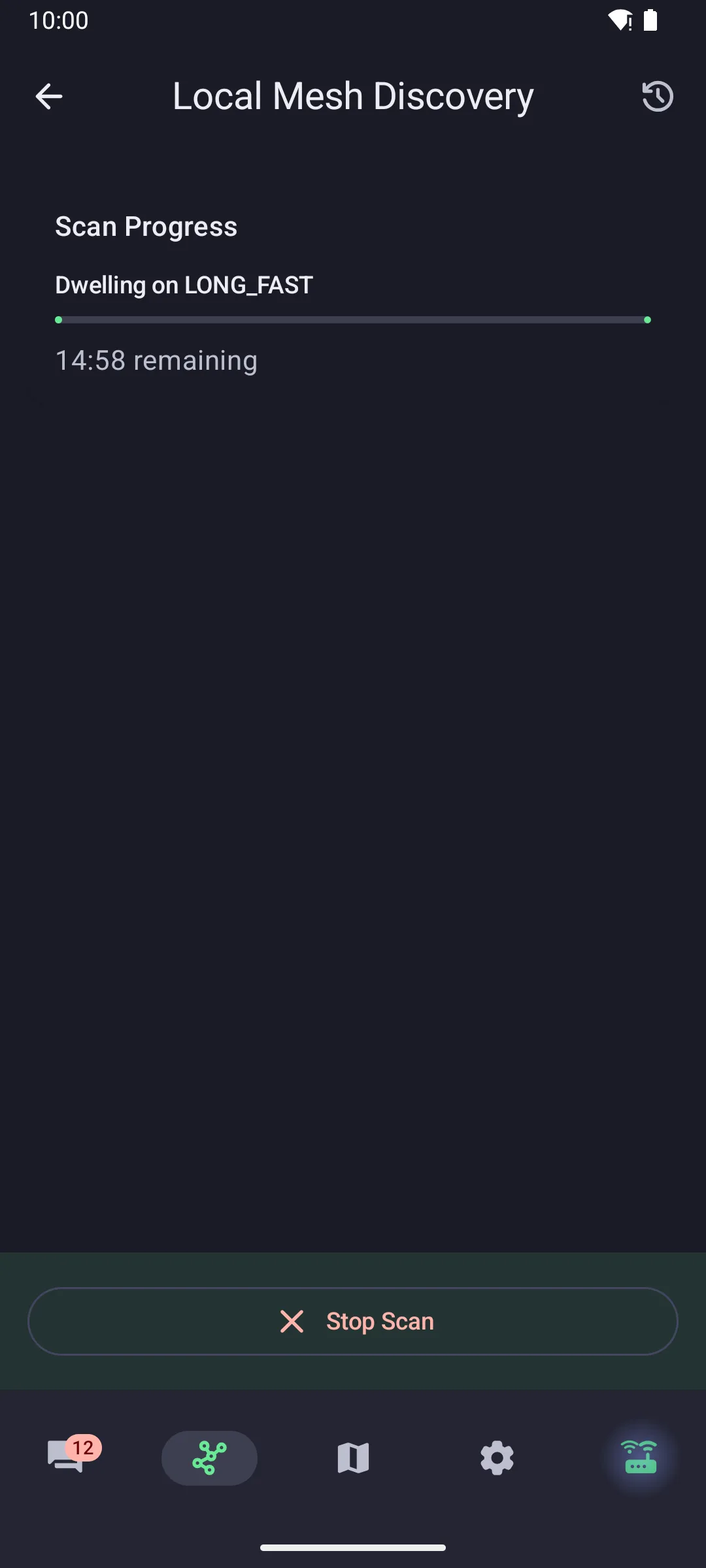
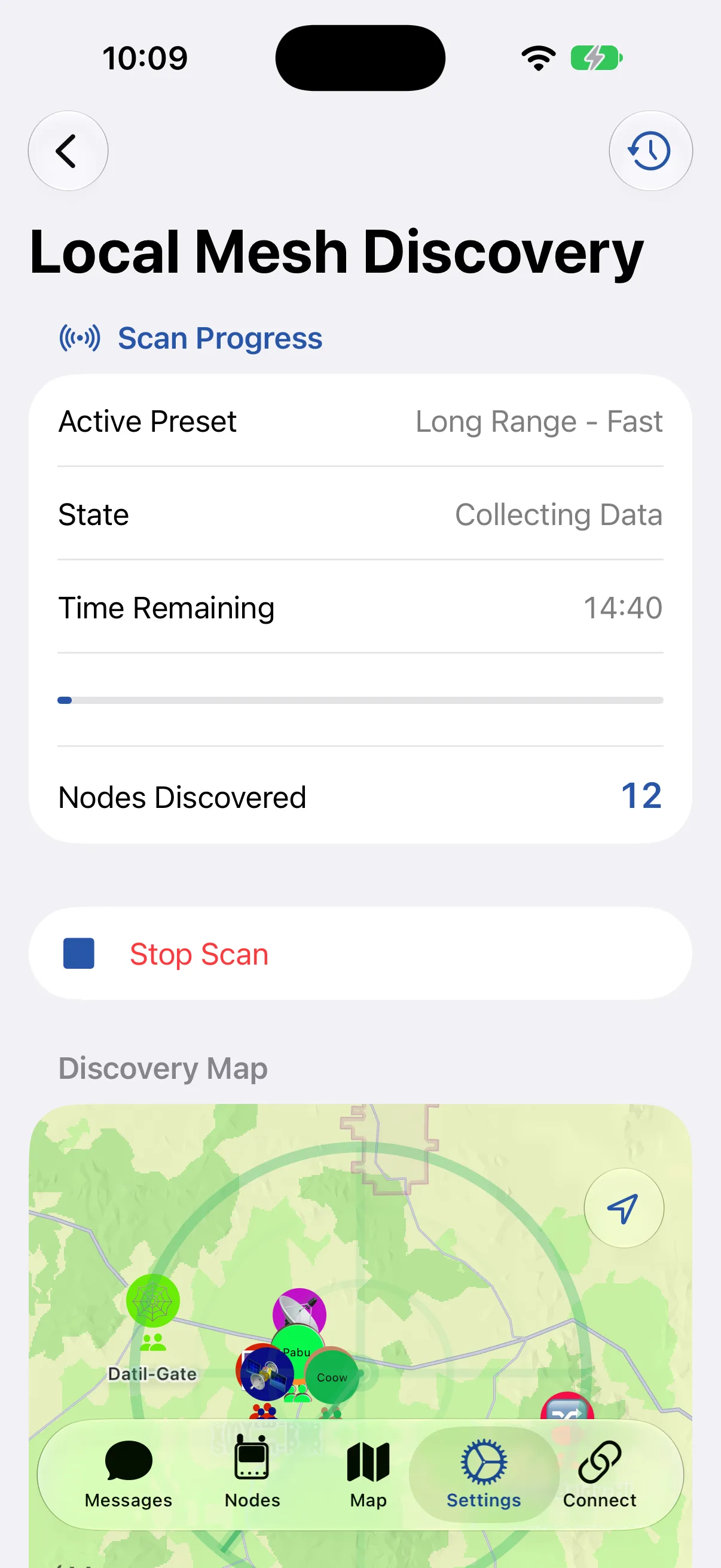
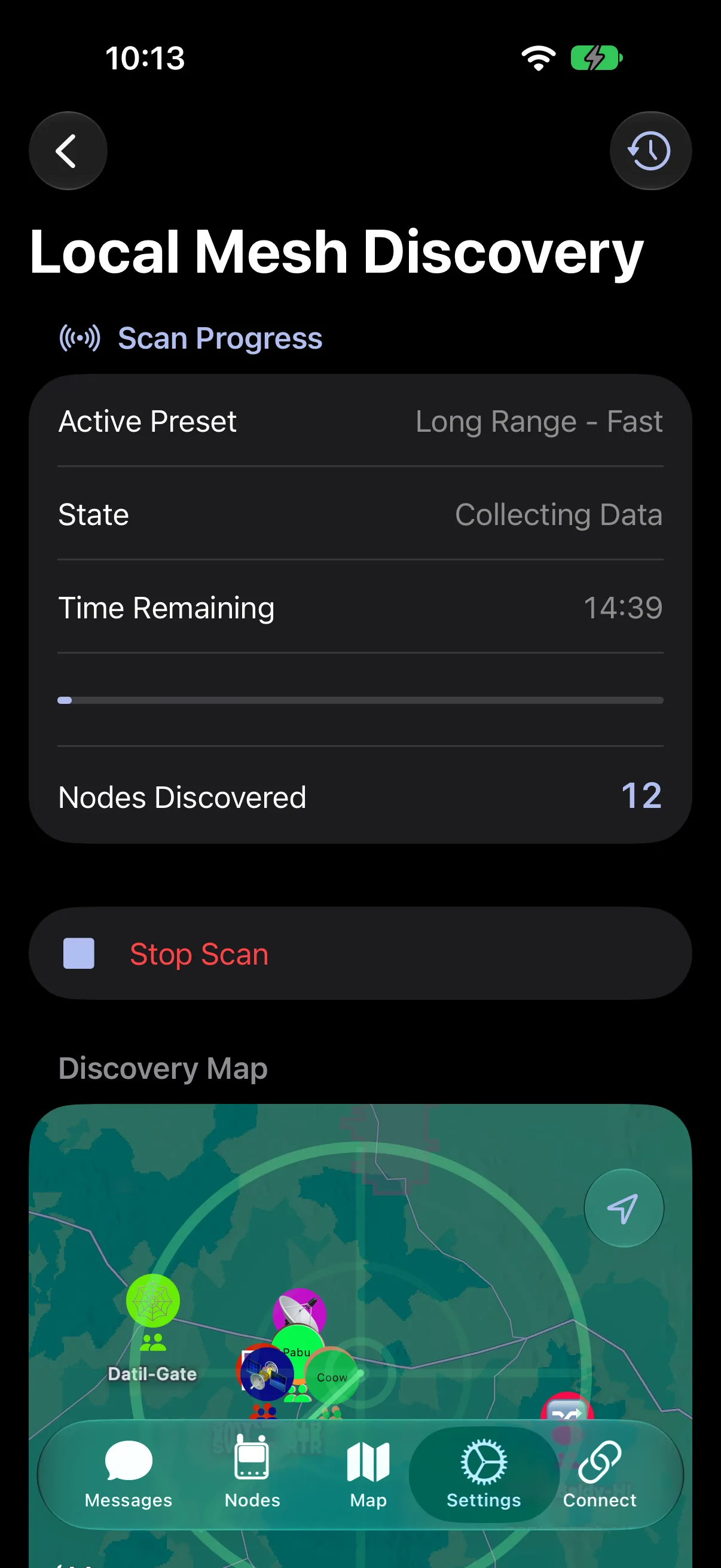
A scan reports what it heard on each preset, ranked by activity. Here the same area carries 60 nodes on Medium Fast and six on Long Fast, which is what a node still sitting on the default looks like in a community that has moved.
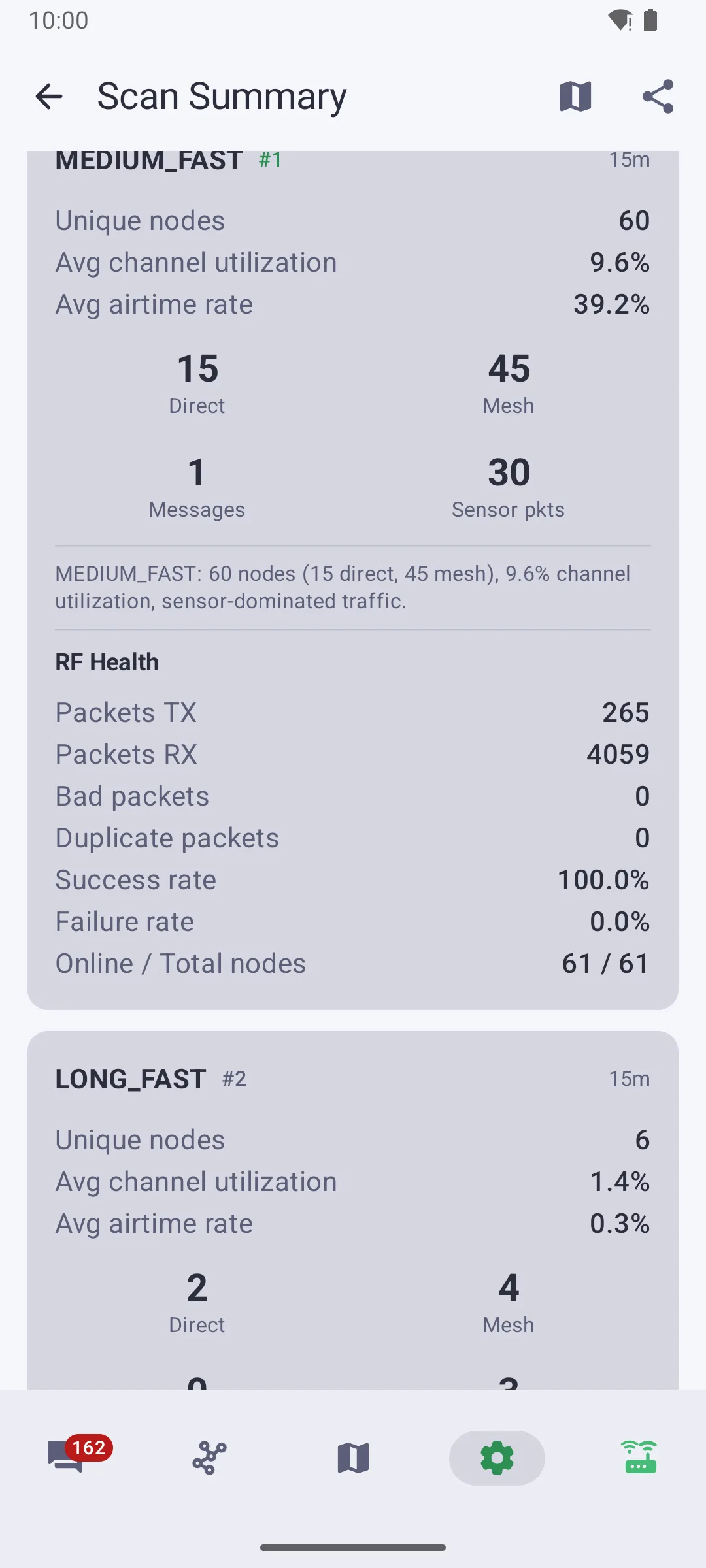
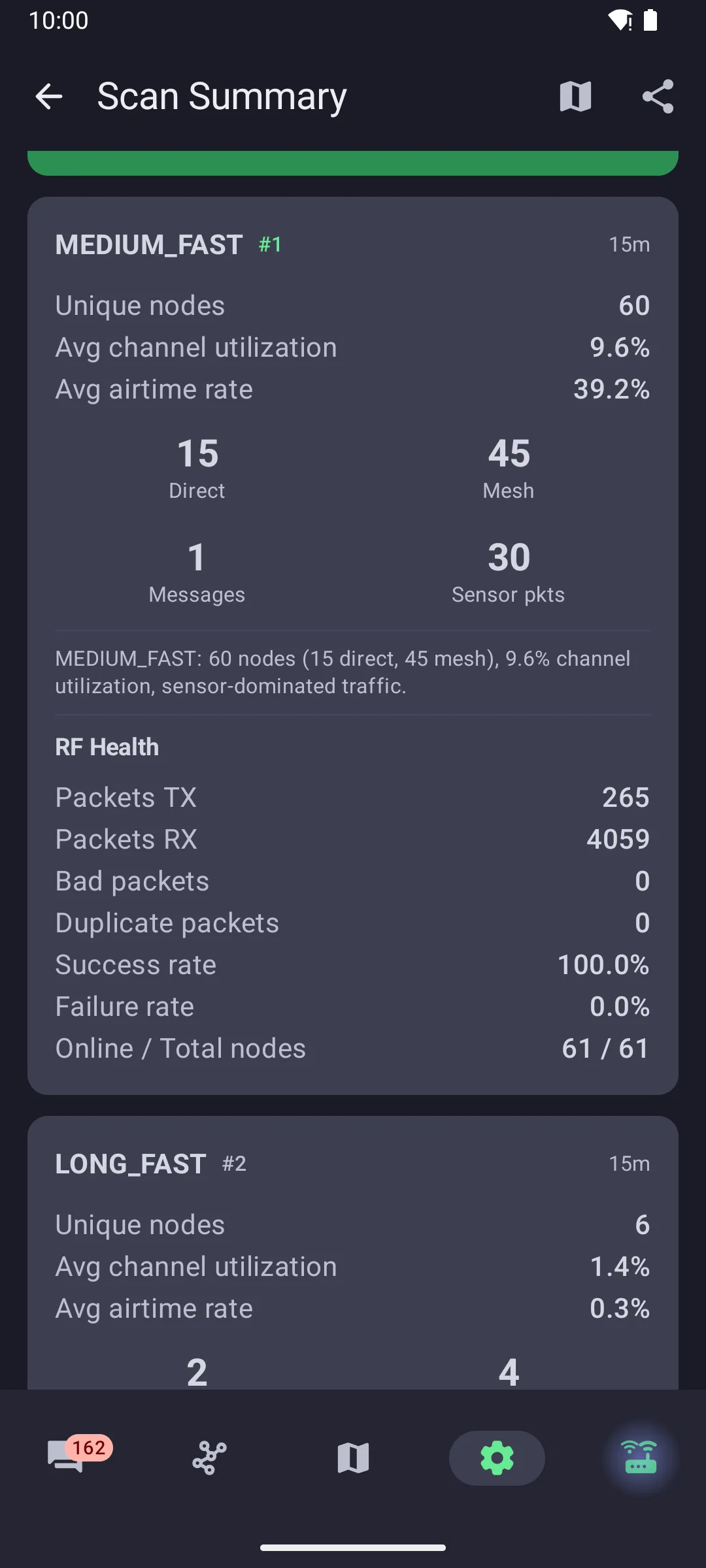
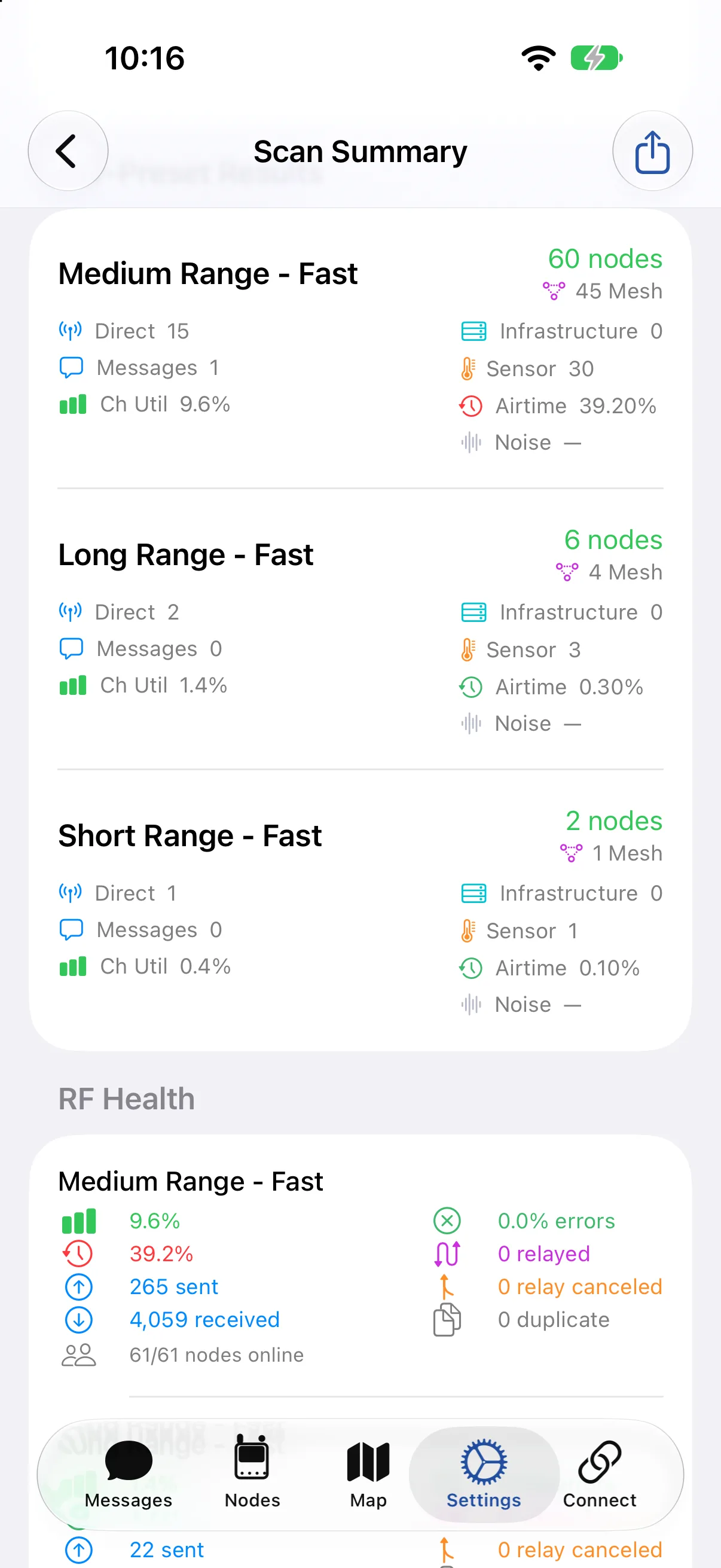
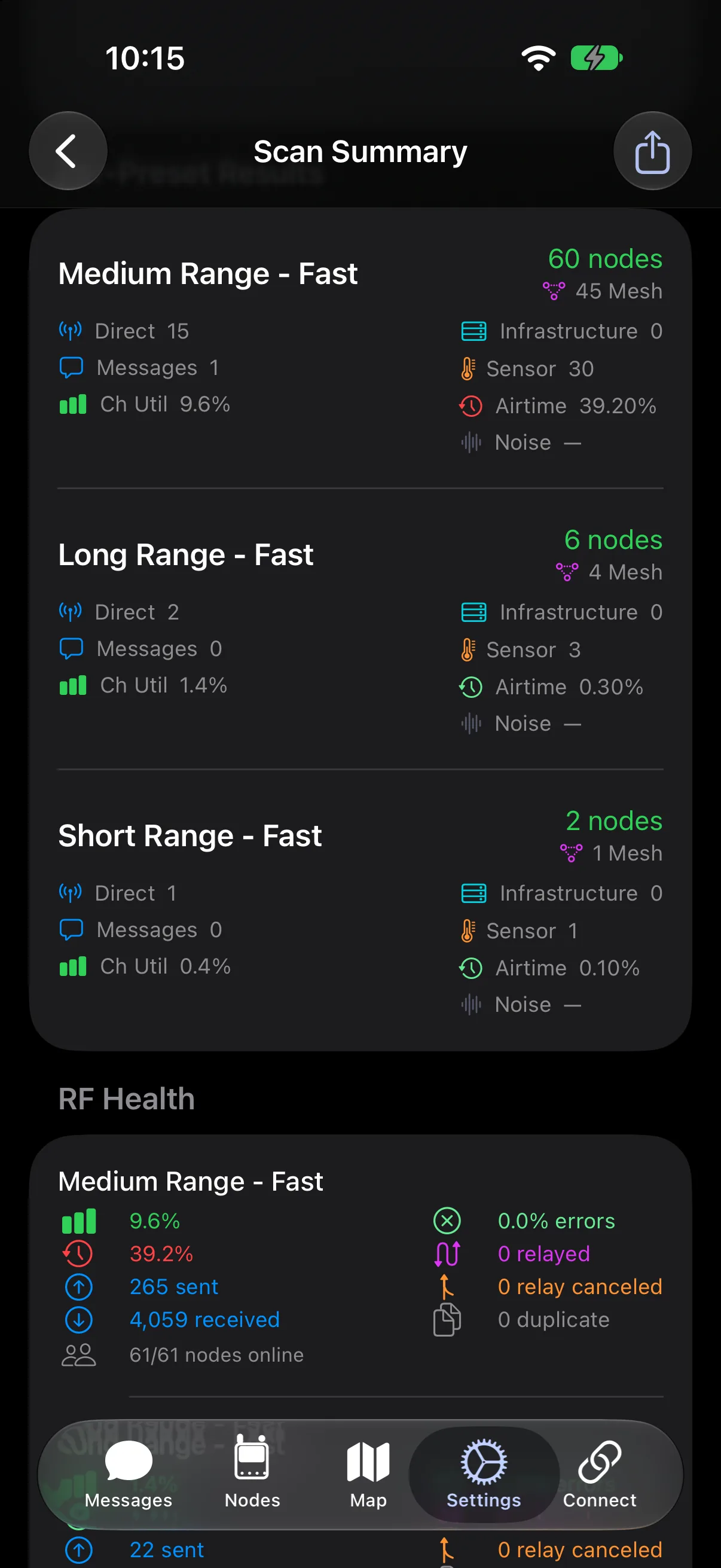
A preset scan listens on the default frequency slotFrequency SlotThe numbered frequency within a region's band that a node transmits on. Nodes must use the same frequency slot to hear each other. When it's left at 0, most regions pick the slot from a hash of the primary channel's name. with the default public channel, which is what makes one scan comparable across presets. A mesh whose primary channelPrimary ChannelThe channel used for a node's default traffic and its name in the mesh. It's channel 0, and its name helps set the node's frequency slot. carries a custom name sits on a different frequency slotFrequency SlotThe numbered frequency within a region's band that a node transmits on. Nodes must use the same frequency slot to hear each other. When it's left at 0, most regions pick the slot from a hash of the primary channel's name., and one with a custom key cannot be decoded, so neither appears in a scan. An empty result means nothing is running on the public channel nearby, not that nothing is running.
Ask the local community
Regional groups publish their settings to people joining, which is how to find a mesh a scan cannot see. The local groups directory lists Discord servers, Telegram groups, and websites by region.
Joining once you know the settings
Set the region first, then match the modem presetModem PresetThe tradeoff between range and speed for LoRa transmissions. Each preset sets the bandwidth, spreading factor, and coding rate, and nodes need the same preset to hear each other.. Both live in the LoRa configuration. Changing the preset takes effect immediately and does not require re-pairing.
Where a mesh uses its own channel, add it as described in channel configuration. The fastest route is a channel URL or QRQRA scannable square code. In Meshtastic it encodes the Channel URL, which carries the channel and LoRa settings needed to join a mesh. code shared by the group, which carries the channel name, key, and LoRaLoRaA low-power, long-range wireless communication technology used by Meshtastic devices to enable communication over distances of several kilometers without the need for cellular, Wi-Fi, or other traditional network infrastructures. settings together.
Keeping a private channel on the public mesh
Wanting private conversations does not mean leaving the mesh. Matching the modem presetModem PresetThe tradeoff between range and speed for LoRa transmissions. Each preset sets the bandwidth, spreading factor, and coding rate, and nodes need the same preset to hear each other. is what puts a node on the same mesh as everyone else; holding a channel's key is what lets it read that channel. Those are separate, so a node can carry the public channel and a private one at the same time.
The trap is renaming the primary channelPrimary ChannelThe channel used for a node's default traffic and its name in the mesh. It's channel 0, and its name helps set the node's frequency slot.. Channel 0 feeds the frequency slotFrequency SlotThe numbered frequency within a region's band that a node transmits on. Nodes must use the same frequency slot to hear each other. When it's left at 0, most regions pick the slot from a hash of the primary channel's name., so giving it a private name moves the node to a different frequency and leaves it alone on a mesh of one. That is the most common way a node ends up unreachable while looking correctly configured.
Add private groups as secondary channels on 1 through 7 instead. They share the primary channelPrimary ChannelThe channel used for a node's default traffic and its name in the mesh. It's channel 0, and its name helps set the node's frequency slot.'s LoRaLoRaA low-power, long-range wireless communication technology used by Meshtastic devices to enable communication over distances of several kilometers without the need for cellular, Wi-Fi, or other traditional network infrastructures. settings, carry their own keys, and leave the frequency slotFrequency SlotThe numbered frequency within a region's band that a node transmits on. Nodes must use the same frequency slot to hear each other. When it's left at 0, most regions pick the slot from a hash of the primary channel's name. untouched, so the node stays reachable on the public mesh while those conversations stay unreadable to it. Channel configuration covers adding them and sharing the key.
Checking whether it worked
Send a direct messageDirect MessageA message sent to one node rather than broadcast to a channel. It's encrypted with a key that only the sender and the recipient can compute, so other nodes can relay it but can't read it. rather than a channel message. The node a direct messageDirect MessageA message sent to one node rather than broadcast to a channel. It's encrypted with a key that only the sender and the recipient can compute, so other nodes can relay it but can't read it. is addressed to acknowledges it, and only that acknowledgment confirms delivery. When a nearby node relays the message, the sending node treats the relay as an acknowledgment and stops retrying, so delivery stays unconfirmed until the recipient answers. When no node relays it and the retransmissions run out, the client reports a delivery error.
A channel message gets a weaker check. The clients request an acknowledgment on channel messages too, but no single node is expected to answer a broadcast, so the sending node counts it as delivered as soon as it overhears another node repeat it. If no node repeats it, the client reports a delivery error, the same as a failed direct messageDirect MessageA message sent to one node rather than broadcast to a channel. It's encrypted with a key that only the sender and the recipient can compute, so other nodes can relay it but can't read it.. The silent failure is narrower: one nearby node repeats the message, the client receives a success acknowledgment, and no node beyond that one ever receives it.
After changing settings
The node database persists across a configuration change and across a reboot, so nodes heard on previous settings stay in the list and are no longer reachable. A node carried to an event and switched to the settings the event runs keeps every node it heard at home, listed with its name and last-heard time, looking exactly like a node still in reach.
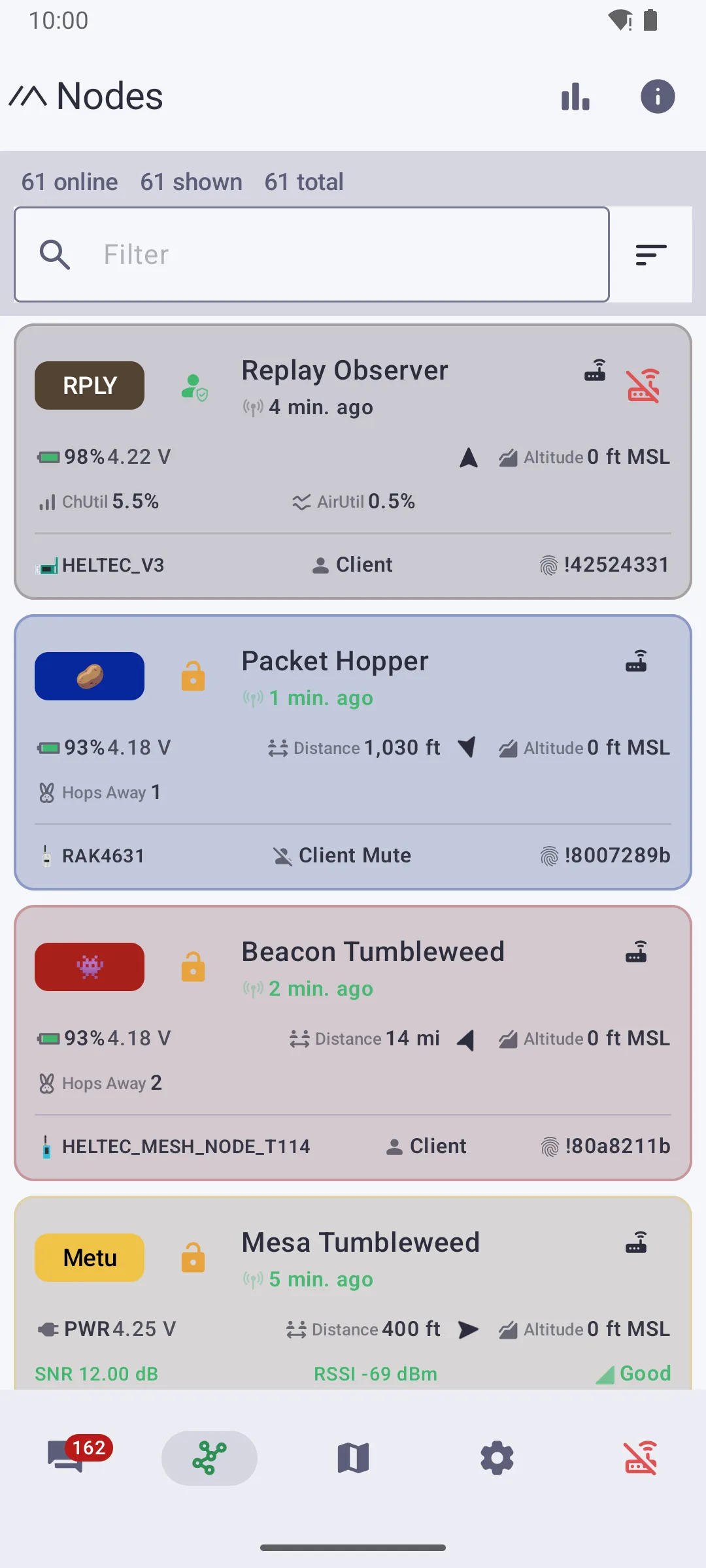
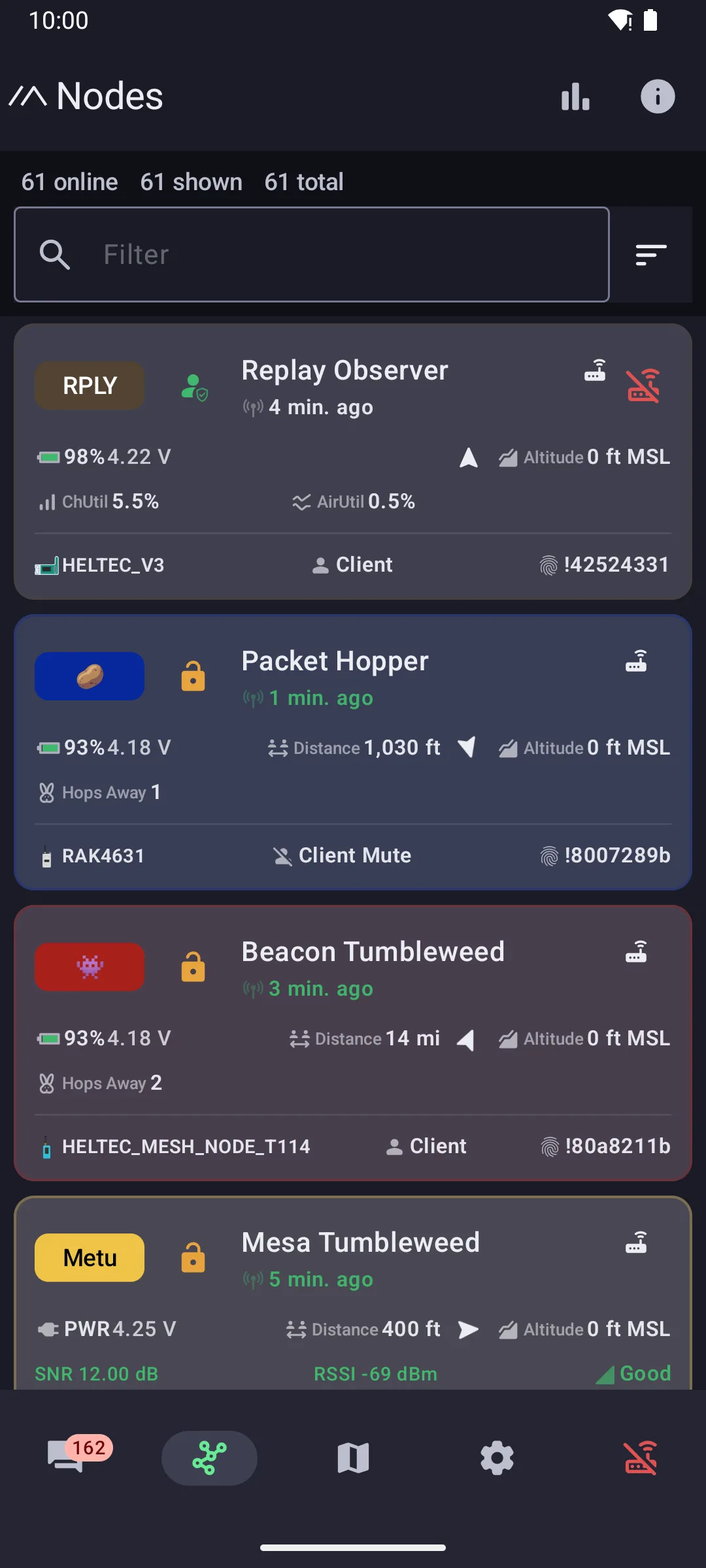
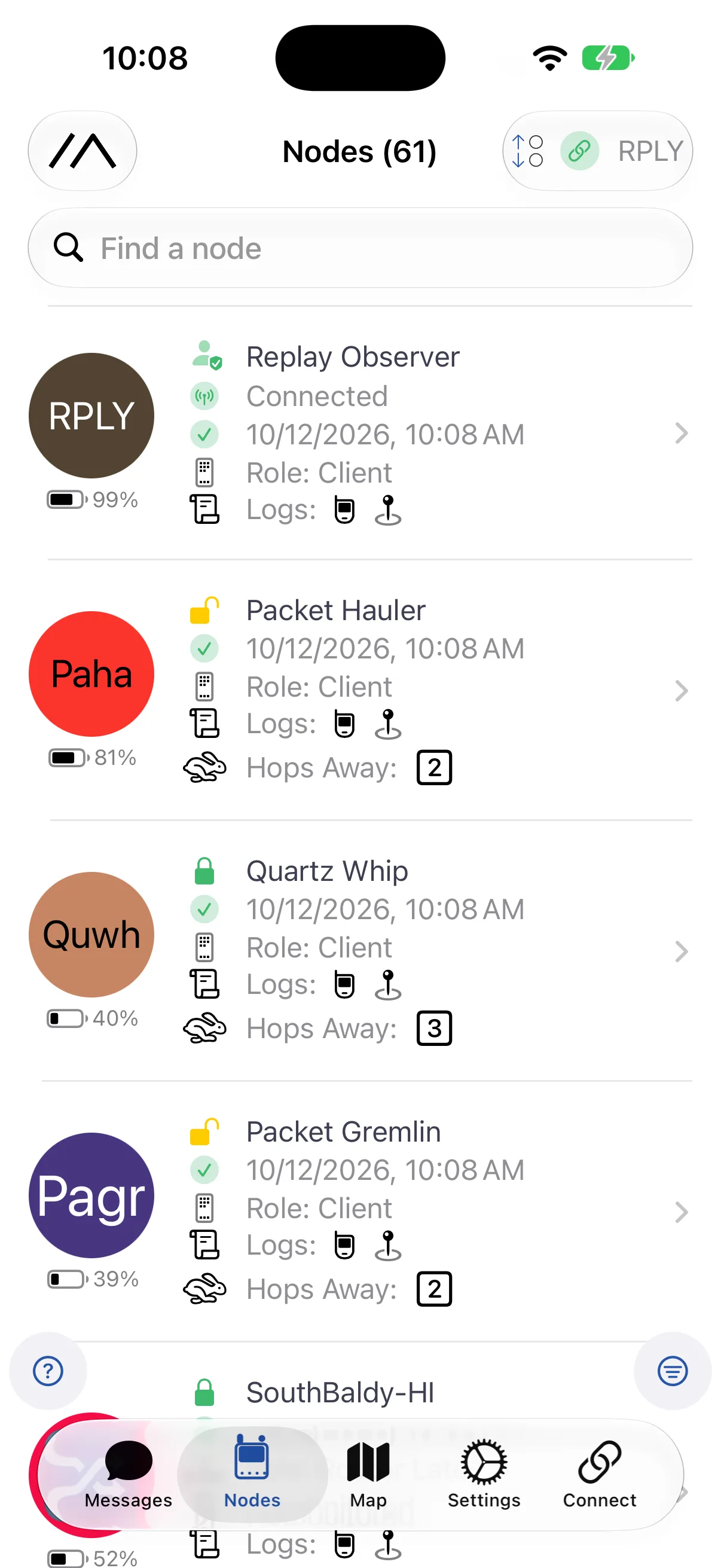
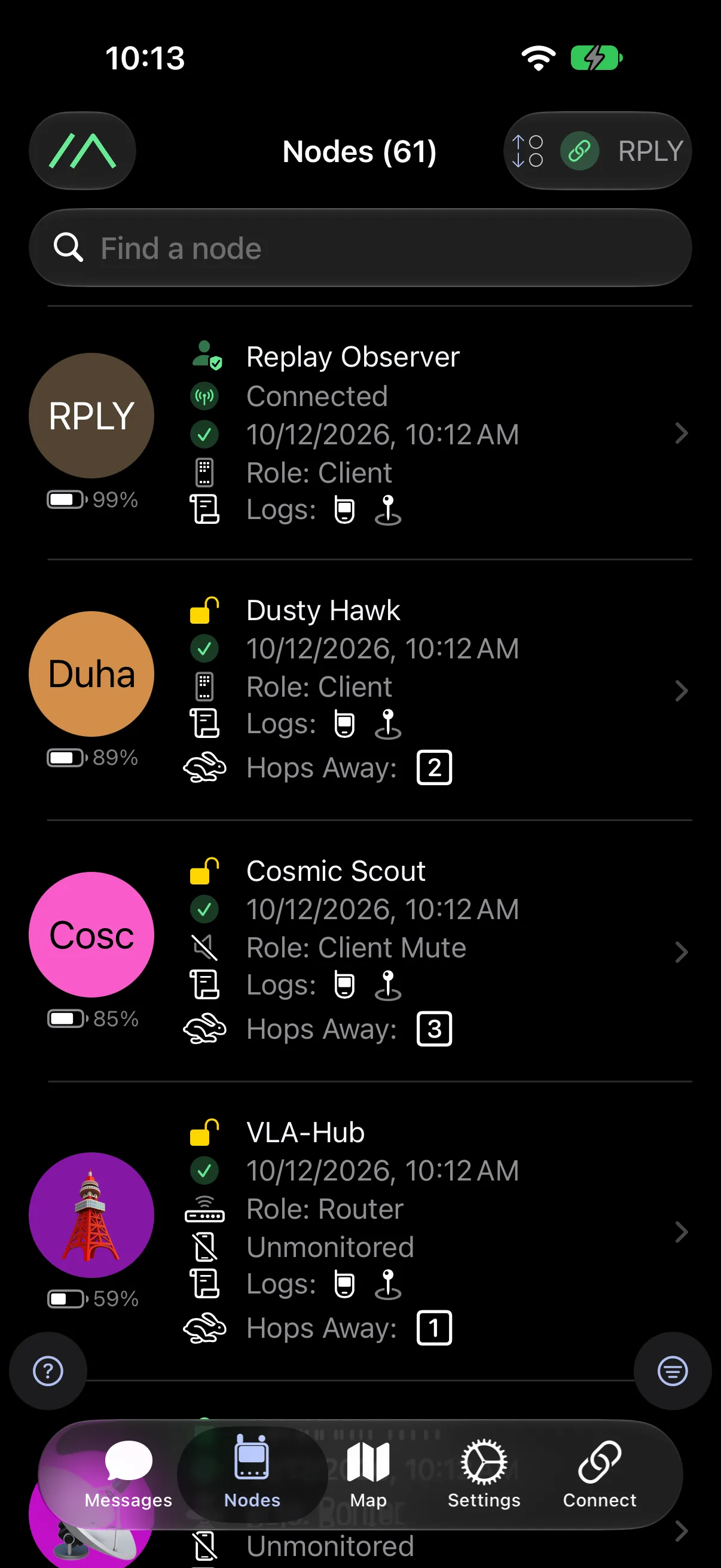
Firmware 2.8.1 and later records which LoRaLoRaA low-power, long-range wireless communication technology used by Meshtastic devices to enable communication over distances of several kilometers without the need for cellular, Wi-Fi, or other traditional network infrastructures. settings each node was heard on, and clients use it to mark nodes not heard on your current LoRaLoRaA low-power, long-range wireless communication technology used by Meshtastic devices to enable communication over distances of several kilometers without the need for cellular, Wi-Fi, or other traditional network infrastructures. settings. Configuration tips covers what that means for a working mesh.